What Is Real-Time Collaboration: Benefits, Challenges & Tools
Real-time collaboration is key when working in a remote team. While it is easy to collaborate if you are sitting in the same room with your team, you must create an environment and use online collaboration tools to reach the same effectiveness in a remote setting.
Whether it is a quick project discussion, a live document edit, or an instant decision-making video call, real-time collaboration ensures your team can work together seamlessly, regardless of location. Adopting real-time collaboration tools can significantly increase productivity and the overall success of remote work setups.
In this guide, I will explore the difference between real-time and traditional online collaboration and how to adopt real-time collaboration tools.
Let’s get started!
What is real-time collaboration?
Based on Gartner’s research, 80% of workers use collaboration tools. It indicates that online collaboration tools are already a crucial element of teamwork. Nevertheless, we can distinguish between traditional and real-time online collaboration.
Real-time collaboration means that multiple team members work together at the same time. Teams can collaborate in real-time in many workflows, like working on the same documents, video conferencing, or instant messaging.
It is essential to differentiate traditional online collaboration from real-time collaboration. While traditional methods of online collaboration lead to a slower pace of interaction, real-time collaboration allows faster communication and workflow.
In traditional online collaboration, there might be a delay between one team’s actions and their visibility to others. Changes are often saved and then synchronized periodically. The traditional methods can be asynchronous, where teams work at different times, and changes are reviewed or incorporated later.
On the contrary, real-time collaboration fosters instant communication and teamwork, and teams can work together simultaneously.
Although there are significant differences between the two approaches, there is no clear good or wrong way of working.
Generally, traditional online collaboration can work well when the delay is acceptable and participants can collaborate independently at different times. However, real-time collaboration is ideal for workflows that require immediate feedback, quick decision-making, and dynamic teamwork.
What are the benefits of real-time collaboration?
Let’s dive into some of the most essential benefits of real-time collaboration.
- Enhanced productivity: Brainstorming, sharing ideas, or working together seamlessly allows teams to complete tasks more efficiently by minimizing the time they wait for responses or feedback.
- Connection: Real-time collaboration and communication tools break down geographical barriers and help your team connect, ultimately resulting in a better working relationship.
- Streamlined communication: Real-time collaboration enhances clear communication through features like communication threads, channels, chat rooms, or video calls.
- Increased creativity: A real-time collaboration tool boosts teams’ creativity and participation by making work more enjoyable and fulfilling.
- Improved transparency: Live updates regarding business or project matters lead to more transparent communication among the entire team.
- Quick decision-making: Real-time collaboration tools enable teams to promptly discuss and decide on crucial matters.
Challenges of real-time collaboration
Real-time collaboration could be an excellent way to maximize productivity in an organization. However, there are challenges that you need to be aware of before switching 100% to real-time collaboration.
Different time zones
One of the significant challenges of real-time collaboration in remote work is the time zone differences. Scheduling real-time collaboration across different time zones is tricky. It requires planning and coordination to ensure that everyone is available for meetings.
Maintaining work-life balance
Constant availability for real-time collaboration can blur the lines between work and personal life, leading to potential burnout, lack of work-life balance, and a decrease in job satisfaction.
Resistance to change
Real-time collaboration is only effective when the entire team adopts this workflow approach. Some team members may resist implementing new collaboration tools or changing established approaches, making real-time collaboration difficult.
Technical issues
A significant difference between in-person collaboration and remote collaboration is that you need to rely on tools to communicate and collaborate with multiple people in real-time. While remote work results in greater cost-effectiveness, as a business does not need to require office space, it also depends more on tools.
So, connectivity problems, software glitches, and issues with collaboration tools can disrupt real-time collaboration and may hurt the team’s productivity.
Real-time collaboration tools
Let’s discover which workflows you can upgrade using real-time collaboration tools!
Video meetings
The good old way for collaborating in real-time is video meetings. Video meetings offer a dynamic platform for real-time collaboration, allowing team members to connect face-to-face, even if they are physically distant.
Platforms like Zoom, Microsoft Teams, and Google Meet facilitate video conferences where participants can see and hear each other in real-time. During video meetings, team members can share screens, making collaborating on documents, presentations, or projects easier.
Note-taking
Several AI note-taking apps include real-time collaboration features. Besides taking notes on online meetings, they can simplify the sharing and editing of meeting notes.
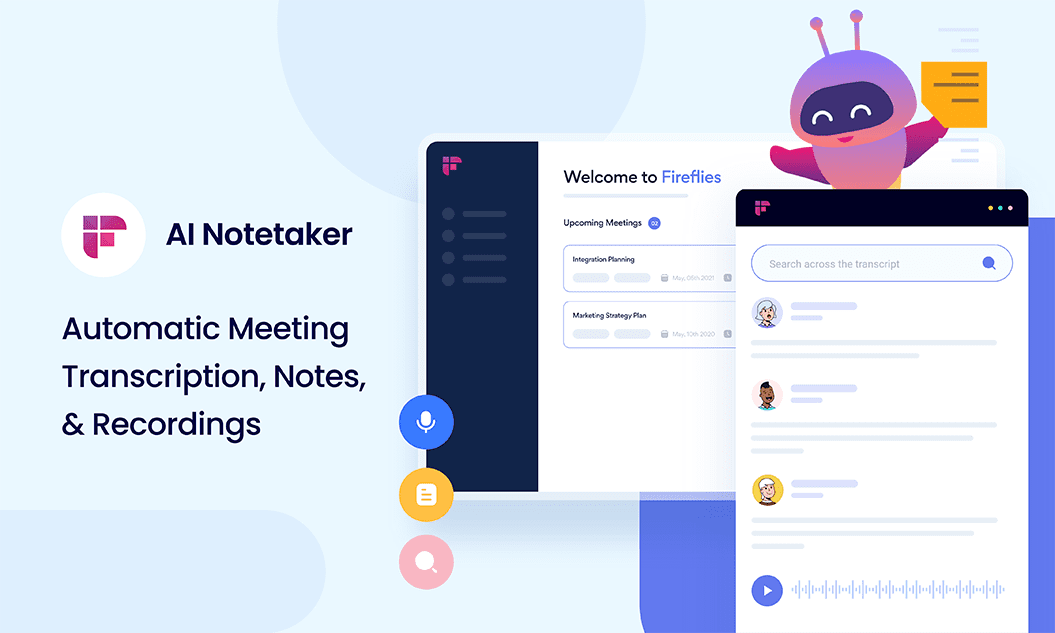
You can edit notes together or assign tasks to your team members using a real-time notepad. For example, Airgram allows you to export meeting notes and transcripts with a few clicks to platforms like Slack, Notion, Microsoft Word, and Google Docs.
Document sharing and editing
A document sharing and editing tool is the minimum to run an effective business with remote teams. Nevertheless, there are significant differences between file-sharing tools.
Some tools offer real-time collaboration features, while others do not. Moreover, some tools can do much more for you outside of sharing, accessing, and storing documents.
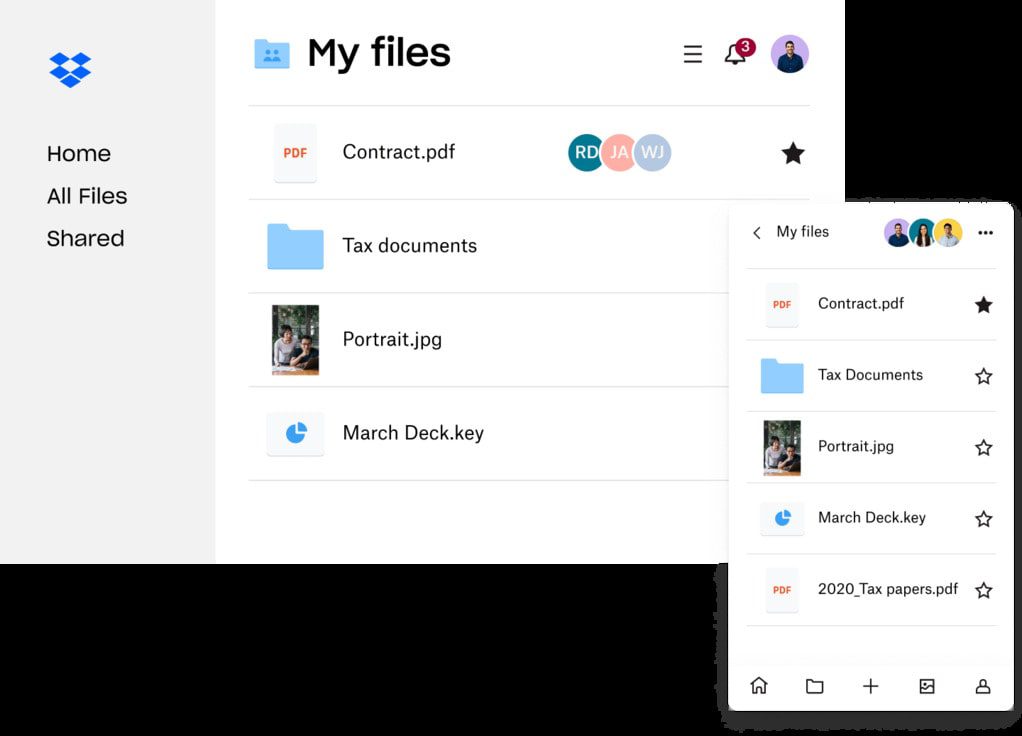
For example, Dropbox is an integrated platform for document management. It has real-time collaboration features that allow team members to edit the same document simultaneously. Also, you can securely send, sign, and track documents and have the ability to back up critical documents.
Communication
Communication is key when working in a remote setup. Beyond video meetings, various communication tools allow team members to engage in ongoing conversations. Such platforms offer instant messaging, file sharing, and the creation of dedicated channels for specific projects or topics.
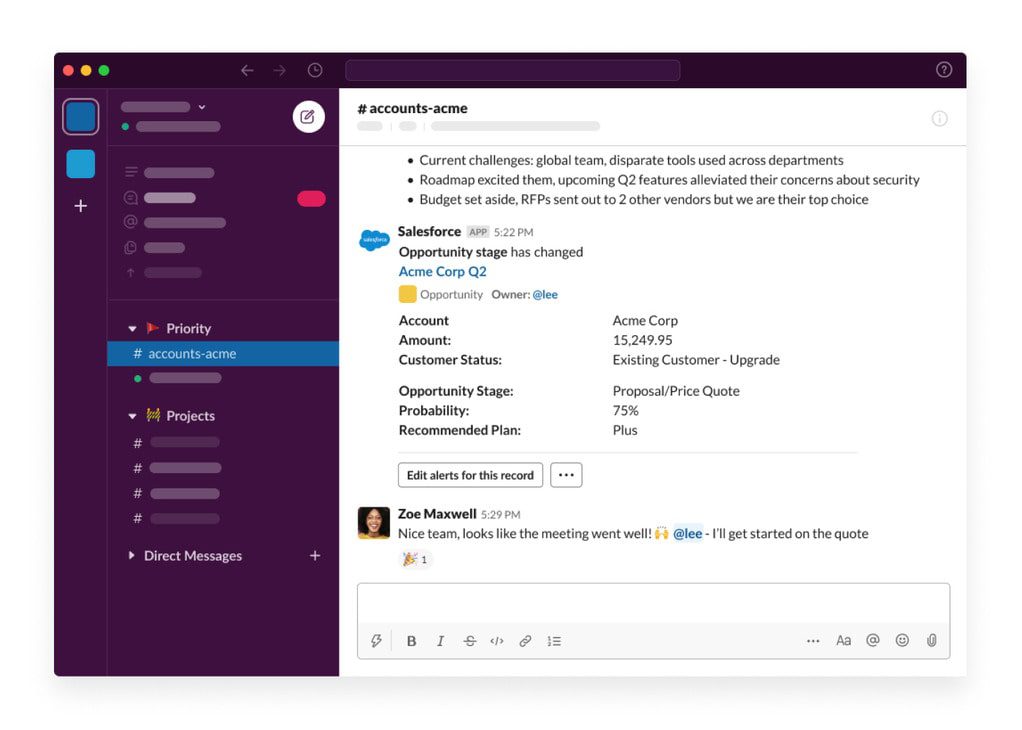
There are many communication tools, and the question of which collaboration tool is best for you depends on your preferences.
For instance, using Slack, you can communicate with clients, partners, or people working on the same project outside of your organization. However, Microsoft Teams makes more sense if you already use Office 365 Business.
Project management
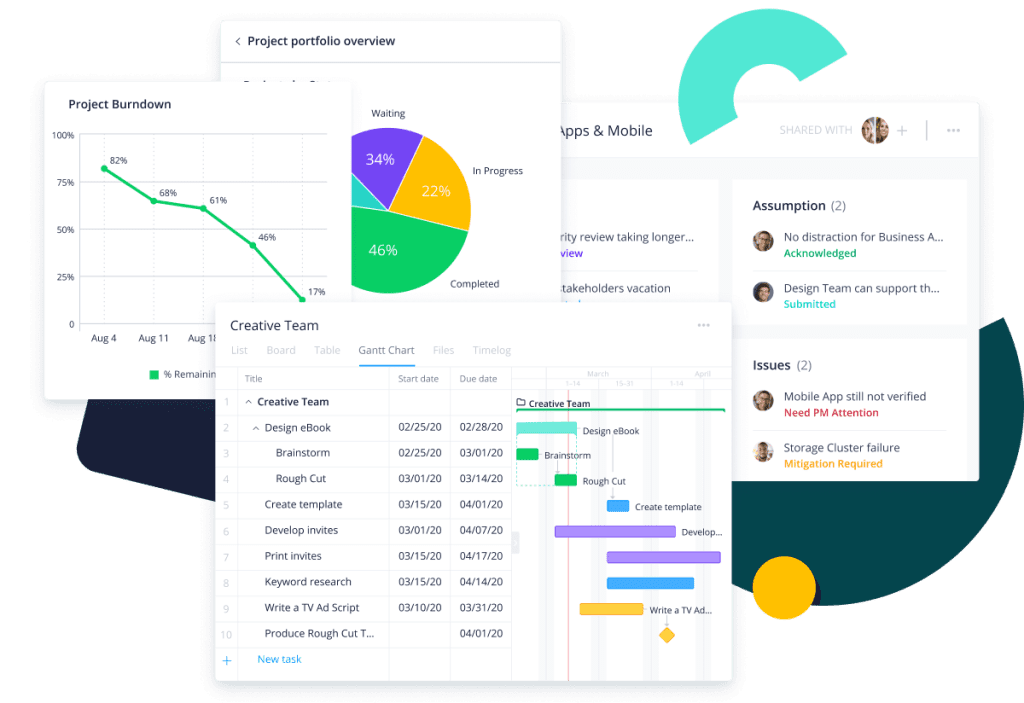
A project management tool with real-time collaboration features boosts productivity by streamlining all the tasks and projects. You can assign tasks, add due dates and comments, and share related files for a particular project. Such collaboration tools provide real-time visibility into projects and tasks, helping team leaders to track progress.