



- Independently reviewed
- Hands-on evaluation
Quick Verdict
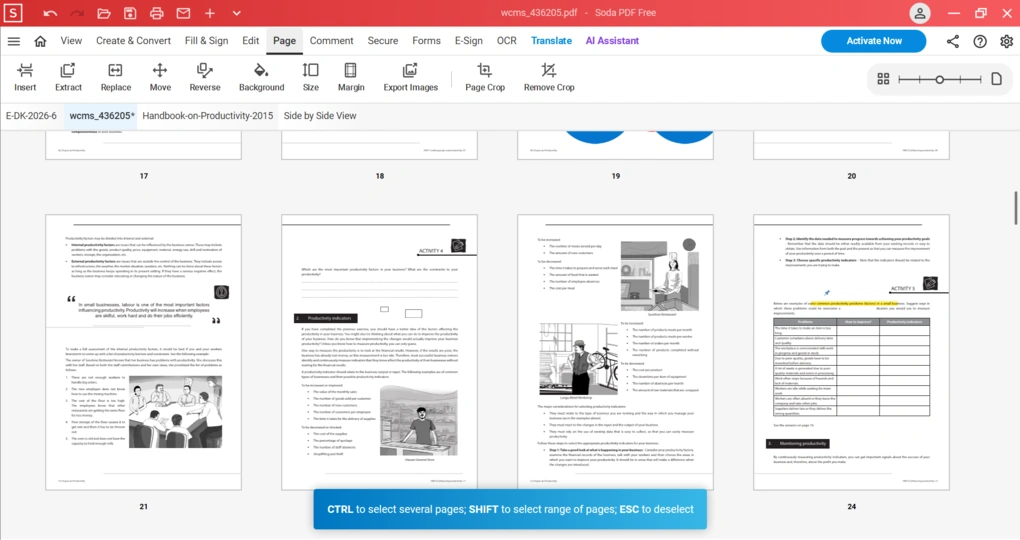
Soda PDF is a user-friendly PDF editor with solid core features, strong security tools, and broad file conversion options, but its advanced features come at a relatively high price.
- Best for: Individuals and small teams who want an easy-to-use PDF editor
- Not ideal for: Users looking for advanced PDF features at a lower price
- Pricing: Free & Paid Plans (-$7/user/month)
Soda PDF's strengths
- Offers a user-friendly interface
- Powerful PDF protection features
- Provides electronic and digital signatures as well
- Solid PDF reading options
- Support many file types for conversion
Soda PDF's limitations
- I encountered some annoying pop-ups after downloading the desktop version
- The text selection during PDF editing was off sometimes
- The desktop version doesn't work on Mac
- Advanced features are included in the Business plan, which is pricey
- No free trial
Related guides and comparisons
October 14, 2026
October 6, 2026
October 5, 2026
September 28, 2026