
- Independently reviewed
- Hands-on evaluation
Quick Verdict
Nitro combines advanced features with a user-friendly interface, making it a capable choice for professionals and businesses that regularly work with PDFs. However, it is relatively expensive.
- Best for: A robust PDF editor for businesses
- Not ideal for:Users needing a budget-friendly or lightweight PDF editor
- Pricing: Paid Plans ($15/user/month)
Nitro's strengths
- Precise PDF editing experience
- Advanced image editing tools
- Complete e-signature workflow
- Strong form creation features
- Excellent security and redaction tools
- Accurate OCR performance
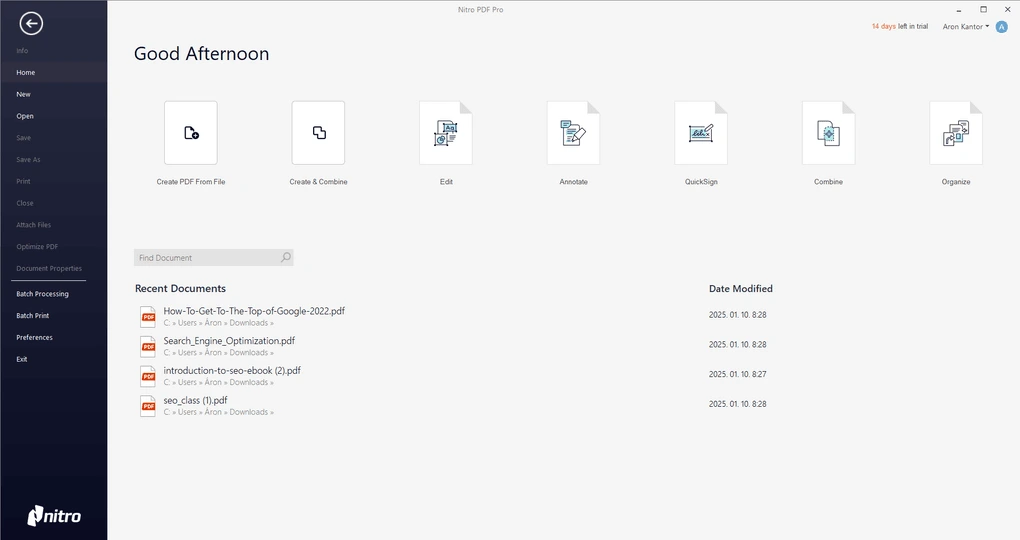
- Clean and intuitive interface
- Admin Portal & Analytics
Nitro's limitations
- Page organization could be smoother
- No option to switch between opened PDFs
- AI tools are web-based
- Higher price point
Nitro vs similar PDF editors
Related guides and comparisons
January 15, 2026
January 4, 2026
Popular Nitro alternatives
PDF Editors
Foxit
Foxit is a feature-rich PDF editor built for advanced document control. It offers text editing, page management, and annotation tools.
PDF Editors
PDFelement
PDFelement is a productivity-focused PDF editor with an intuitive interface. It combines advanced editing with AI-assisted features.
Popular
PDF Editors
Adobe Acrobat
Adobe Acrobat is an industry-standard PDF editor offering comprehensive tools for creating, editing, and managing PDF documents.
You can also explore more tools in our complete apps library.
Related videos
Our Evaluation Process
Our Nitro evaluation is based on hands on testing and comparison with other PDF editors.