


Notion Vs Obsidian: 7 Things I Wish I Knew Before Choosing (2026)
This Notion vs Obsidian comparison is for anyone who hasn’t yet started building everything inside one app and wants to understand the differences before committing to either.
I’ve used Notion for more than three years, from managing projects to organizing my notes and personal knowledge. More recently, I spent a few months building my second brain in Obsidian, which made the differences between these two apps much clearer.
Instead of simply comparing features, I’ll share the seven key differences I wish I had understood before building so much of my system in Notion.
Notion vs Obsidian: Key Takeaways
Here are my biggest takeaways after using both:
- Notion has more limited note-taking capabilities than Obsidian
- Obsidian is more customizable than Notion
- Notion is easier to learn, but both can become complex
- Obsidian gives you more privacy and control over your notes
- Obsidian has collaboration tools, but Notion does it better
- Notion has powerful native AI, while Obsidian relies on plugins
- Obsidian keeps more of its core experience free, while Notion gets expensive faster
Obsidian vs. Notion at a glance
Before diving into the seven key differences I found after using Notion for three years and Obsidian for several months, here’s a quick side-by-side comparison of both apps.
| Feature | Notion | Obsidian |
|---|---|---|
| Note-taking | ✅ | ✅ |
| Markdown | ⚠️ Limited | ✅ |
| Bidirectional links | ⚠️ Limited | ✅ |
| Graph view | ❌ | ✅ |
| Local-first storage | ❌ | ✅ |
| Offline access | ⚠️ Limited | ✅ |
| Web app | ✅ | ❌ |
| Plugins | ❌ | ✅ |
| Databases | ✅ | ⚠️ Limited |
| Team collaboration | ✅ | ⚠️ Limited |
| Calendar | ✅ | ⚠️ Plugins |
| AI | ✅ | ⚠️ Plugins |
| Free plan | ✅ | ✅ |
| Paid plans start from | $10/user/month | $4/user/month (Sync) |
| Best for | All-in-one workspace & teams | Personal knowledge management |
1. Notion has more limited note-taking capabilities than Obsidian
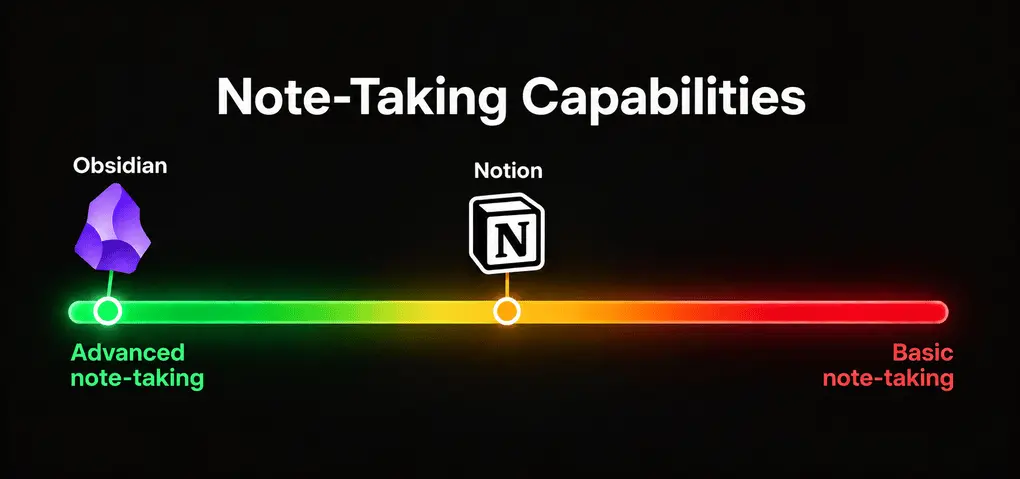
💡Key takeaway: Notion is better for managing information in one workspace, while Obsidian is better for connecting and developing knowledge over time.
Notion offers a centralized workspace where you can organize your thoughts, notes, tasks, projects, and documents in one place. On the other hand, Obsidian is a dedicated note-taking and knowledge management app.
What does it mean in practice?

During my Notion review, I discovered that it is a sophisticated text editor to organize your notes and databeses. You get everything that most users need. You can insert headings, sub-pages, bullet points, videos, code, and tables without touching your mouse by hitting “/” button on your keyboard.
What not many users know is that it lets you write Markdown text and import it from other sources. It’s not as advanced as Obsidian, but it can do the work.
Its limitations only show up once you’ve created hundreds of pages. You will find it burdensome to connect them, and searching for a specific note can take a while. Notion can also slow down when you work with large databases.
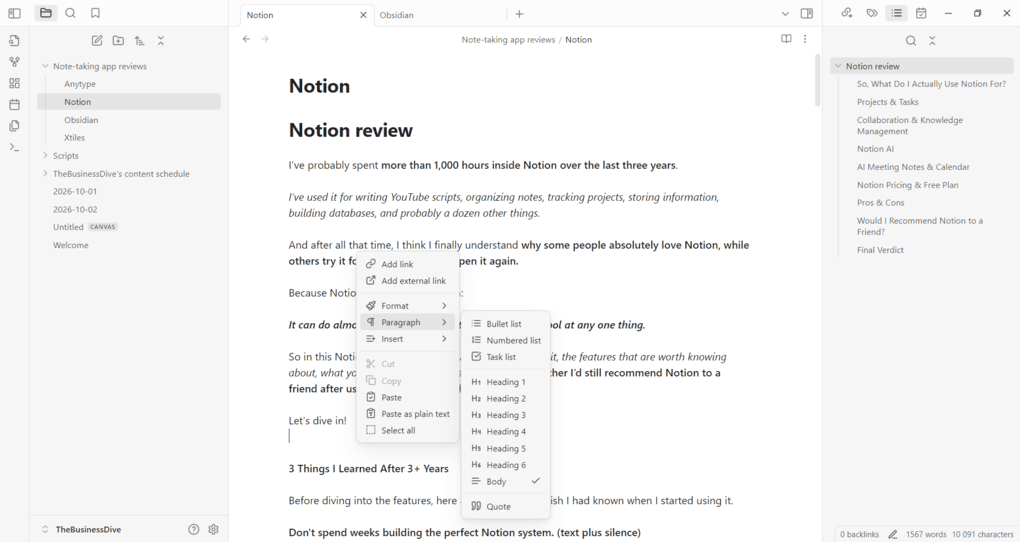
Obsidian uses Markdown language when writing your notes. To create paragraphs, just insert a blank line to separate your paragraphs. If you press Enter, it will create a new line in your note, and it will be treated as a continuation of the same paragraph in the rendered output.
You can insert headings, tables, images, and more. Also, you can further personalize and connect your notes with tags and bidirectional links. Once you connect your notes with links, you will be able to visualize the connections with the Graph view.
Instead of treating every note as a standalone document, I found that during my Obsidian review is that it is designed to help you build a connected personal knowledge base over time.
Which one to choose?
Choose Notion if you want an all-in-one workspace for notes, tasks, projects, and databases. Choose Obsidian if you prioritize note-taking and want to build a deeply connected personal knowledge base.
2. Obsidian is more customizable than Notion
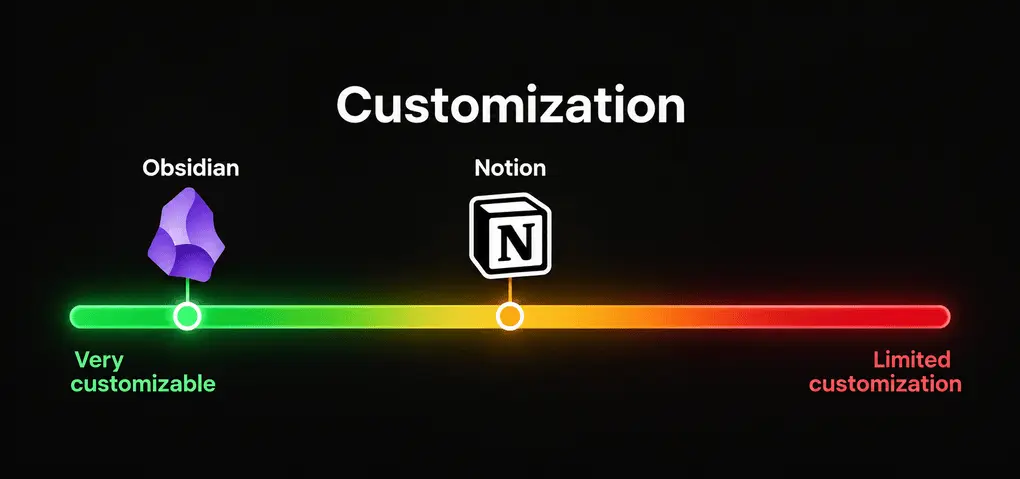
💡Key takeaway: Obsidian offers significantly more customization than Notion, especially through its huge plugin ecosystem and themes. The trade-off is that this flexibility also means more setup and complexity.
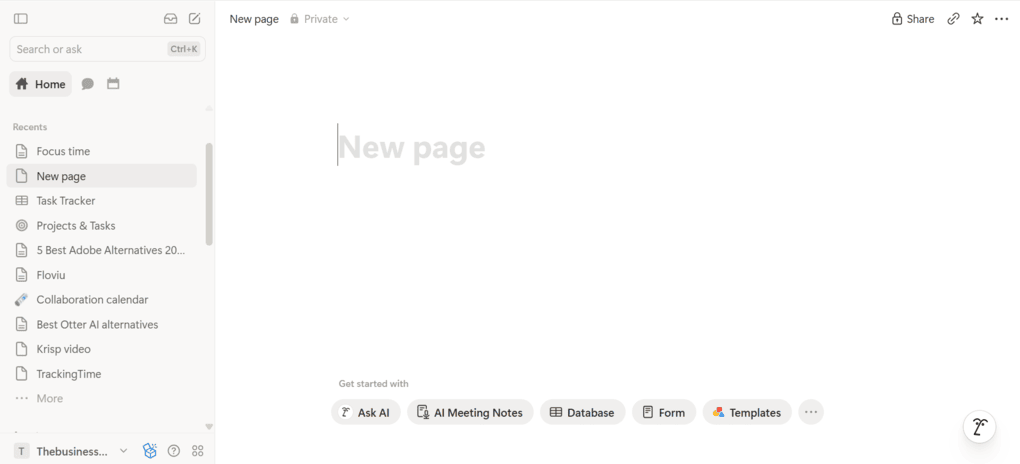
You can customize Notion with visual elements, apply different text styling, and use custom layouts. You can also use third-party add-ons and integrations to further personalize the experience.
So Notion is fine for customizing your workspace, and it’s probably enough for most users.
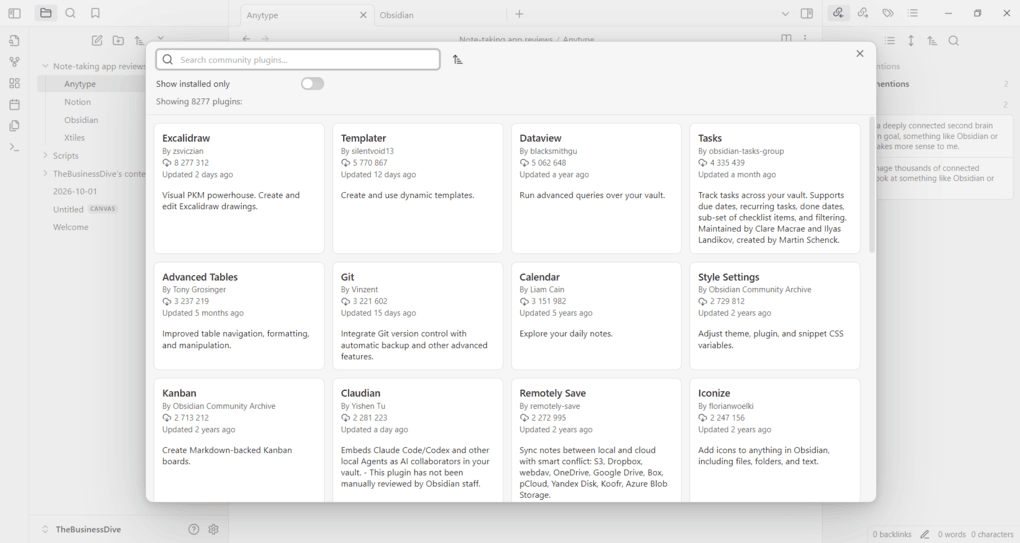
On the other hand, Obsidian took the customization to a different level. With over 8,000 plugins, you can change simple built-in settings to deep, code-level interface modifications.
That said, you can change Obsidian’s entire interface with different themes, which is exceptional in the note-taking space.
The trade-off is that all these options can easily become a rabbit hole. So, start with the core features and add plugins only when you need them.
Which one to choose?
Choose Notion if you want enough customization without spending much time on setup. Choose Obsidian if you want maximum control over how your note-taking app looks and works.
3. Notion is easier to learn, but both can become complex
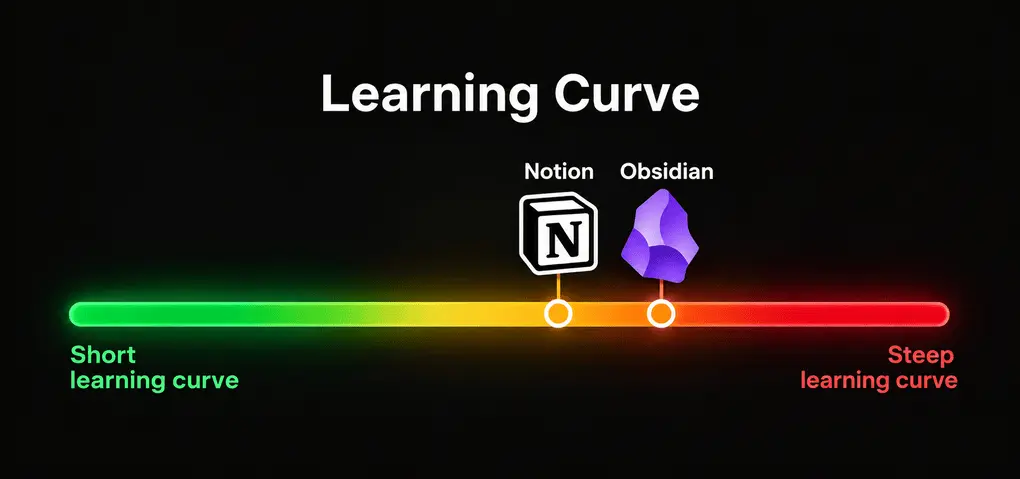
💡Key takeaway: Notion is easier to learn at the beginning, while Obsidian takes more time to understand. However, both can become complex once you start building more advanced systems.
If you need a simple setup, Notion’s learning curve is shorter thanks to its folder-based approach. It’s similar to more traditional note-taking tools like OneNote or Evernote. Notion is one of the best OneNote alternatives, in my opinion.
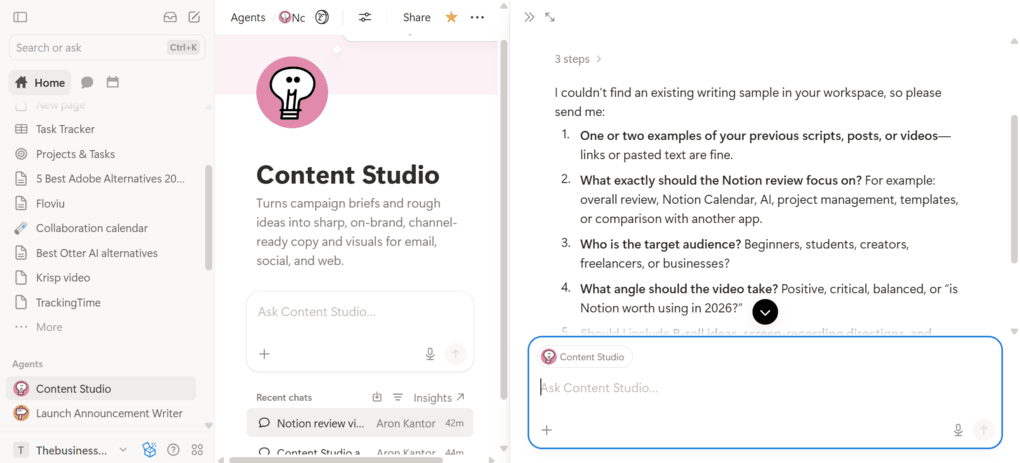
But things can get tricky once you start using AI agents, automations, or simply start creating many types of pages. You can easily get lost and spend hours setting u